Unvale PSA: Artist Safety Tips for your Online Experience
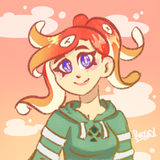
Yee haw! It’s your ol’ pal Sheriff Deputy Solar! (Well, ex-Deputy, they got me on desk work these days.)
Okay, to drop the cowboy theme for a bit; today’s article is on artist and internet safety, especially here on Unvale. Lately we’ve seen a rise in fake accounts with names like “UnvaleStaff” or “UnvaleSupport” sending scam links to our users, and we figure that now is a great chance to cover how to recognize real staff, what information to not share on the internet, and for those just getting into commissions, artist safety tips!
If there are any questions you have that aren’t answered here, check out the Unvale Help Center. Unlike this article, those articles are updated and edited over time and reflect the site’s current state and rules.
Table of Contents
- Anti-Scam PSA
- Internet Safety Refresher
- Artist Safety Tips
- How You Can Help
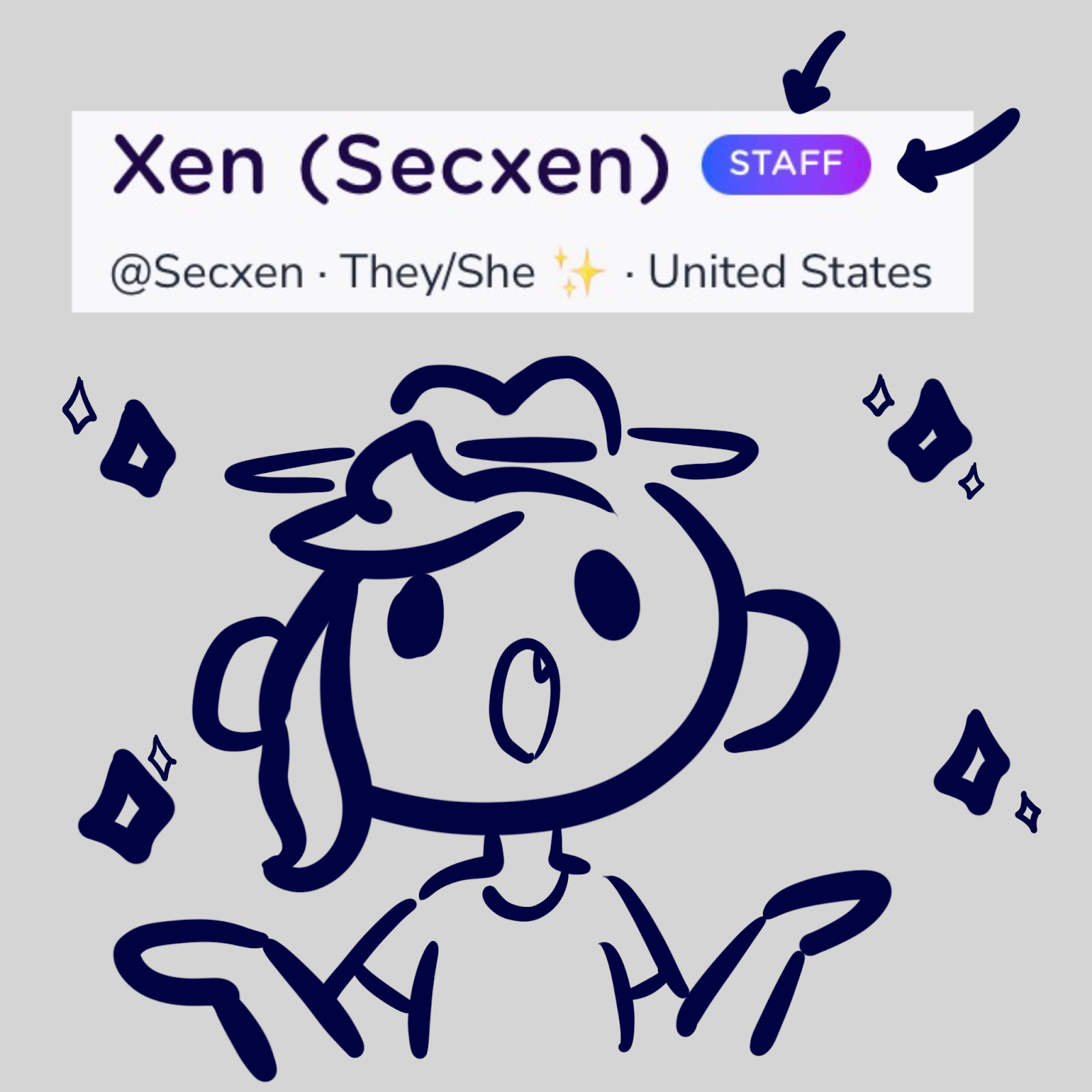
Behold, the mighty Staff Badge!
Anti-Scam PSA
Now, cowpokes, first thing to note is that all Unvale Sheriffs have a fancy badge on ‘em; granted, we don't have them on that spankin’ new app yet… so y’all gotta check the site if you aren't sure. We here at the Unvale Sheriff’s office don't use generic names like “UnvaleSheriff” to contact ya, since we’re a small group of cowpokes. You can read about staff on the Unvale About page. Staff will clearly link to other staff in their Unvale page bios, which you can get to through the About page.
Now, what should ya do if you spot a faker, an imposter, a heinous ne’er-do-well? Well, ol’ Lumi’s gotcha covered. Simply click the Help Center link at the bottom of any Unvale page, and look to the bottom right of the page. Our hardworkin’ mascot Lumi should be night or day! (Unless you have an ad blocker turned on. Even Lumi is powerless against the mighty ad blocker.)
While Lumi is there around the clock, our human staff gotta sleep. You gotta give some time ‘n wait for staff to roll ‘round. Our horses take weekends off and we can't ride ‘em over to deal with site problems, but Lumi logs everything for us, so rest assured!
So after that, then what? Well, these’re some rules that might be familiar to you veteran cowpokes…
- Do send links, screenshots and any other evidence you can provide through the Help Center.
- Don't engage with or harass the person you’re reporting. This includes comments, liking their content, and tagging them.
- Don't create a callout post on them, or draw attention to them. This is for your own safety as well, so that the problem user doesn’t bother you.
- Do block them. While blocking isn’t perfected yet, it should give you some peace of mind.
While ya wait for staff to handle your troubles, you can read some of the info filed away in the help center about the local laws ‘round these parts. I’ll also include what you can do to help out your friendly Unvale sheriffs at the end of this here article.
Listen up, kiddos!
Internet Safety Refresher
If you want a refresher of what not to share on Unvale, the Help Center’s article on Online User Safety is the place to go. It also goes over what I mentioned in the section above about staff badges. Here are examples of sensitive information to keep private online:
- Your real name (nicknames and deadnames too; you don’t want any jerks misusing your deadname) and your face (even when it’s partially covered).
- Your location, address, and school/workplace (when traveling, keep that information private too so people don’t know your home is empty).
- Your personal and school email addresses, and anything that could leak that such as a Google Doc or Google Classroom link.
- IP information, passwords, or banking info; Unvale staff will NEVER ask for any of these.
Something important to keep in mind when using any online platform is that the internet is forever, and that it is public. This means that anything you post can be saved by any person out there in the world, whether they have good intentions or not. This also includes people you might meet and work with in your future career, whether you pursue art, writing, or something else.
If you’re interested in becoming an Unvale Superstar for instance, being a good example for other users to follow when it comes to internet safety is a great start.
Guard yourself against scams!
Artist Safety Tips
Step number one when starting out with commissions (whether you’re paid for them with cash, art, or something else) is creating a Terms of Service (ToS) contract. It might sound scary and complex, but it can be as long or short as you want. The purpose of a ToS is to protect you and your clients; it’s an agreement that your clients need to be okay with in order to work with you. Here’s an example ToS from my own adoptables, which the buyer agrees to when they purchase my work:
- Do not edit the original image or claim it as your own art.
- You may modify the design as you wish!
- You may resell the design for the amount equal to any art commissioned for the character, but you may not resell the design on its own (aka the original image drawn by me) without my permission or for an amount higher than the amount you purchased the design for.
- Please credit me wherever possible!
Other artists have different ToS conditions for their clients, and I encourage you to explore other artist’s Terms of Service to help design your own. (If you want to use my example above for your own adoptables or modify it, you’re welcome to.)
Here are some more quick tips to protect yourself as an artist.
- Always sign and/or watermark your art.
- Leave a big watermark on any commission or trade artwork you do until you get payment, and then resend the artwork without the watermark.
- Make sure any bases you use are free to use or allowed to be used commercially.
- If you accept art or other kinds of payment for commissions, always specify what you expect and when you expect it. You may be comfortable waiting a year for a piece of art (like me), but if you’re too generous, it’s possible you might get something you weren’t expecting or nothing at all.
If you accept cash payment…
- List your payment methods clearly, and link to them where possible.
- If the payment received seems smaller than you expected, it might be fees from your payment method. Look into it if you find discrepancies.
- Specify which currency you’ve listed your prices in, and list your price in multiple currencies because people are often too lazy to check themselves (USD, euros and the British pound are the big three).
How You Can Help
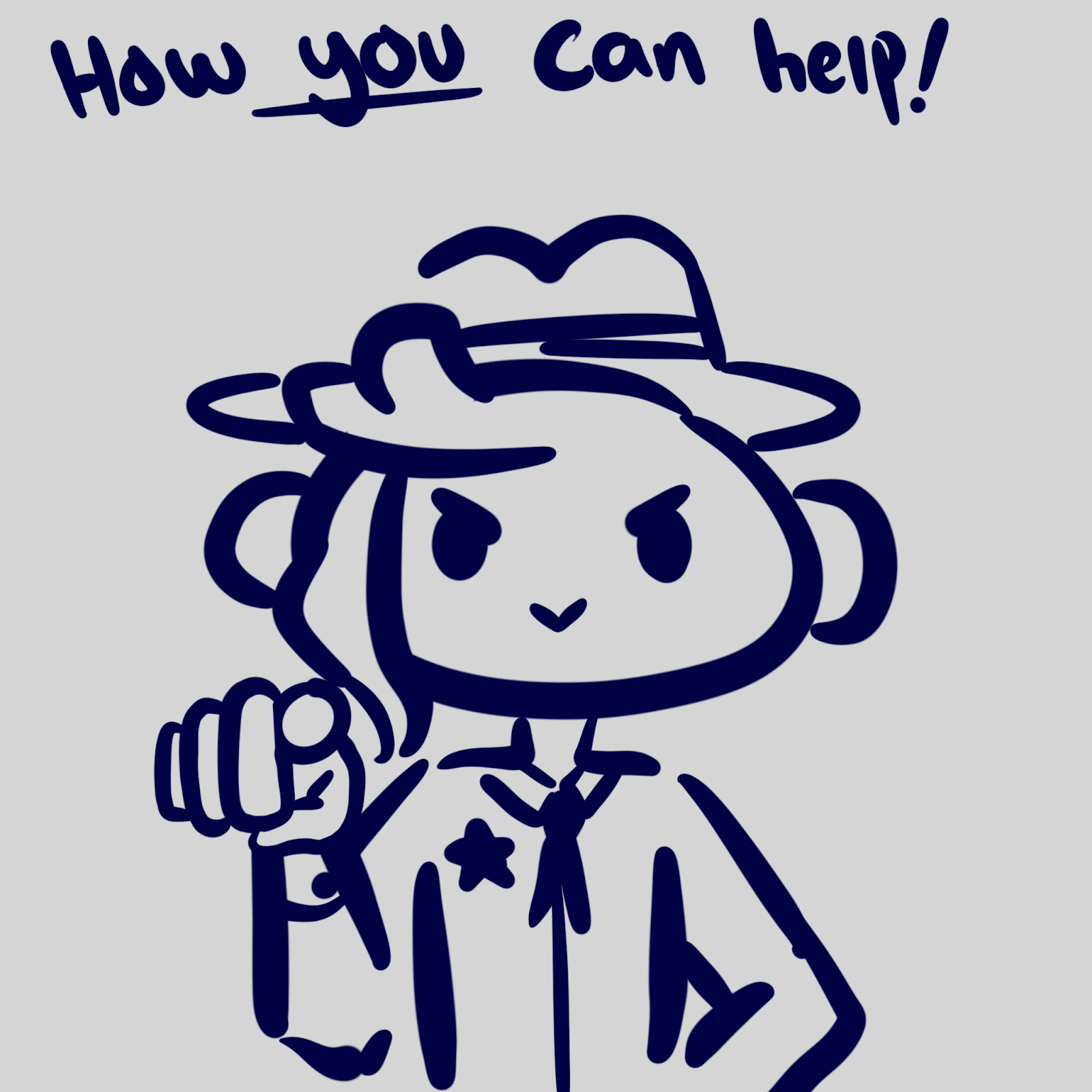
So cowpoke, you’ve made it to the end. Good on ya. Now, how can you, the average Unvale citizen, help out the Sheriffs ‘n staff? Well, first off, sharing this article to folks who’re lost and confused in the wilds helps. While it might not be the pinnacle of pinnacles, this article is a handy introduction to the basics of the basics. The Help Center is ultimately the place to go if you’ve got questions burnin’ a hole in your pocket, so if you were brought here by another handy cowpoke lookin’ out for ya, take a gander over there.
Hrm, now, how to get the word out… Ah, I got it! Hey cowpoke, can you do me a favour? Last time I asked ya to make a post with a hashtag, yeah? Let’s do it again this time, but let’s add a lil bit of spice to it. You might not be a fan of cowboys, so let’s make it more inclusive…
Use #PSAsona to spread the word, with your own persona or OC dressed as a cowpoke, or a defender of Unvale. Maybe you’re a knight or a scout, but no matter what, y’all are the ones keeping your eyes peeled for scammers and bots. Make it a post, or a character page, art, or what-have-ya ‘n use your own words and style to spread the message; but make sure it’s accurate! (And that ya link this article while you’re at it.)
Thanks for readin’. Keep on reportin’, and keep on enjoying Unvale and makin’ it a safe place for all!